See it in action
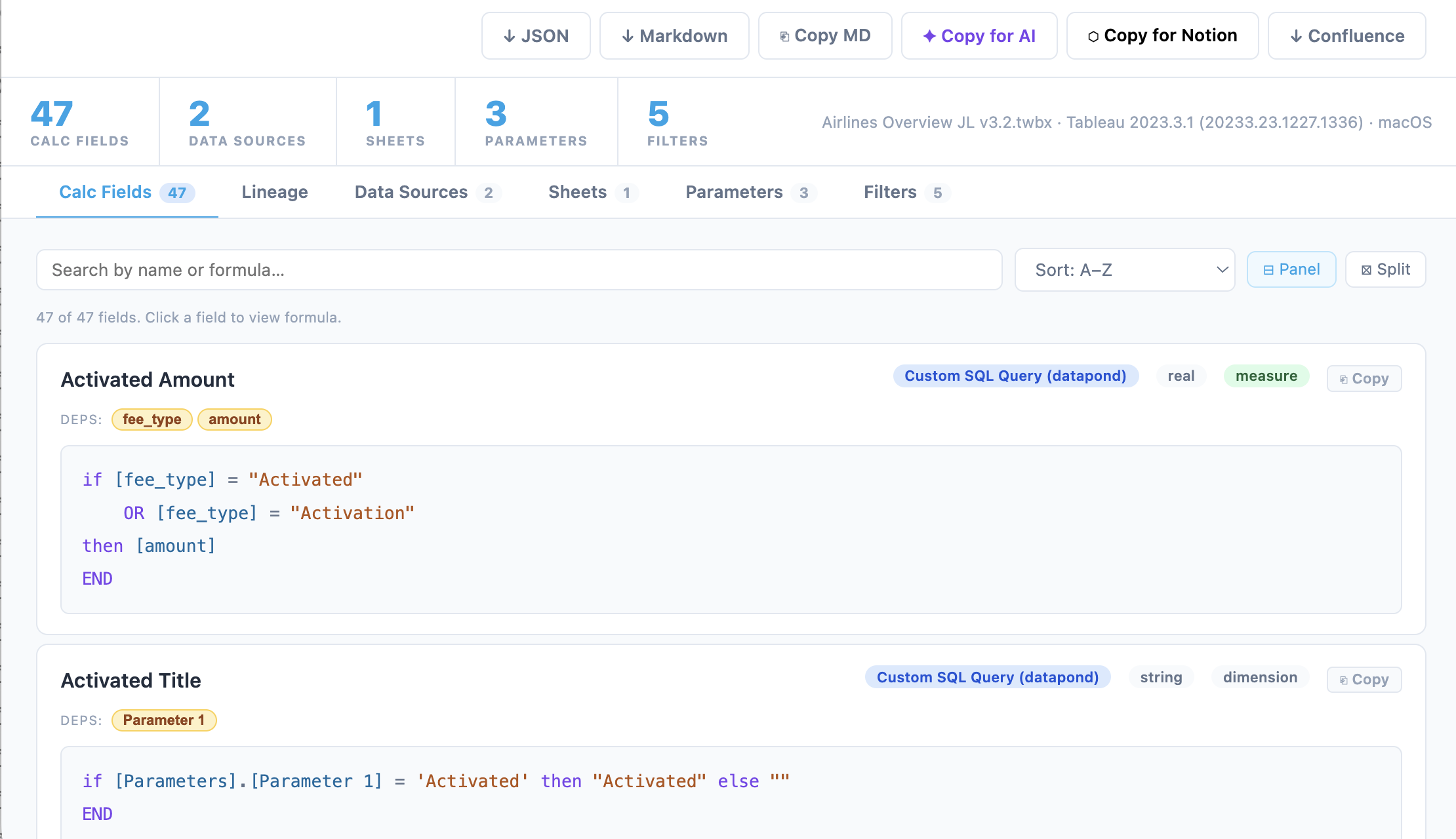
Calculated Fields — every formula with datatype, role, and dependencies
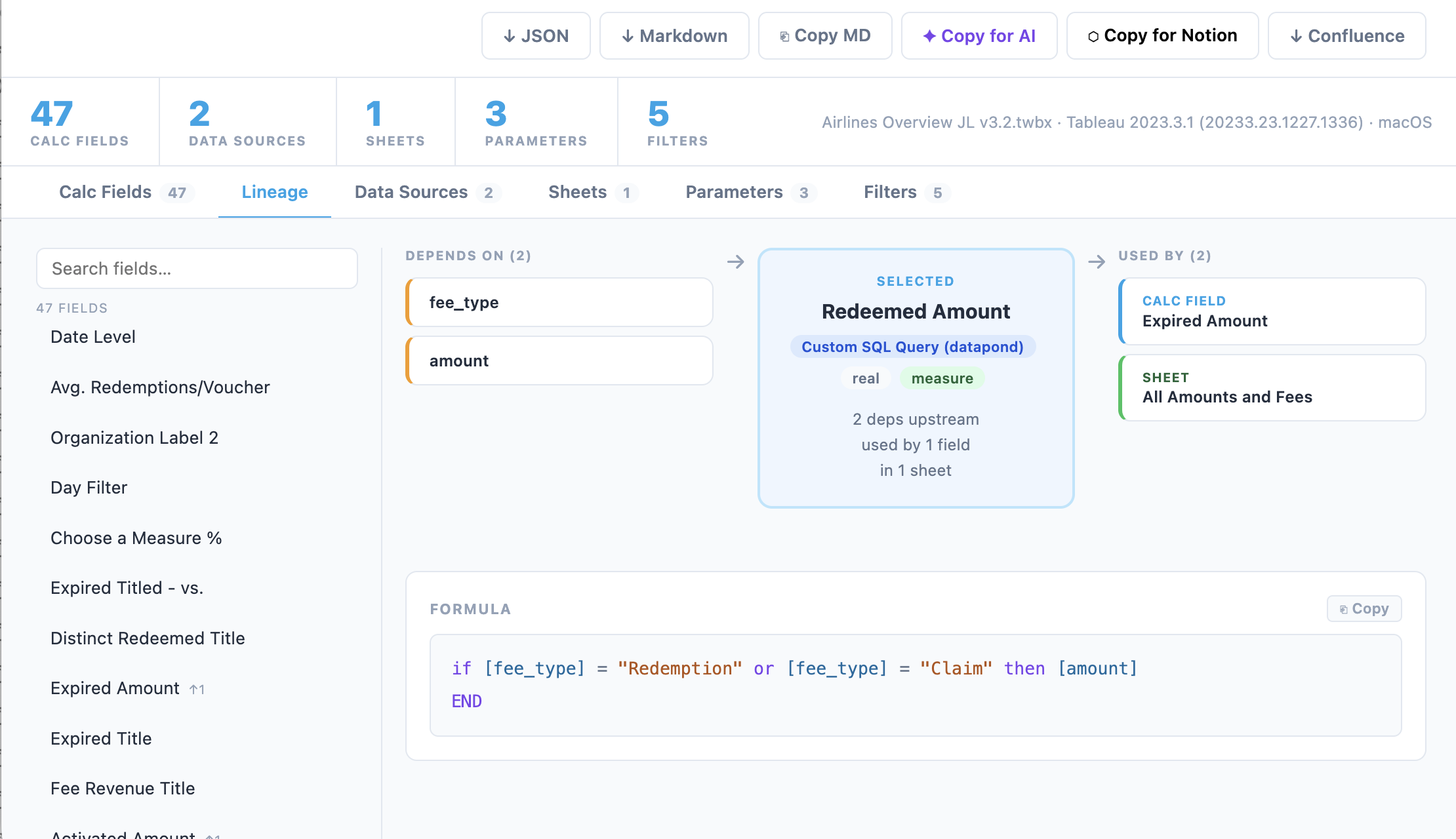
Field Lineage — navigate dependency chains visually
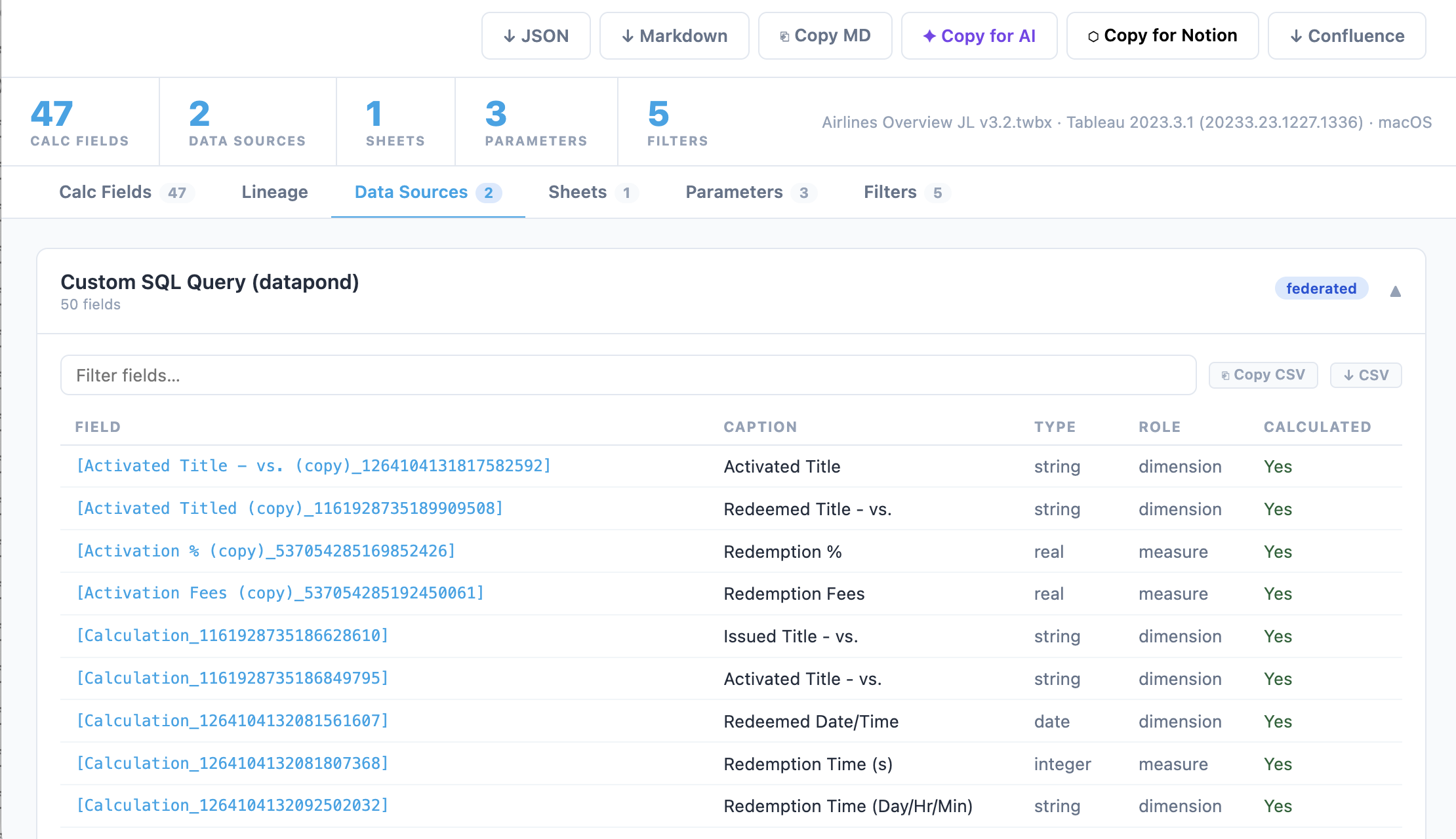
Data Sources — full field inventory with CSV export
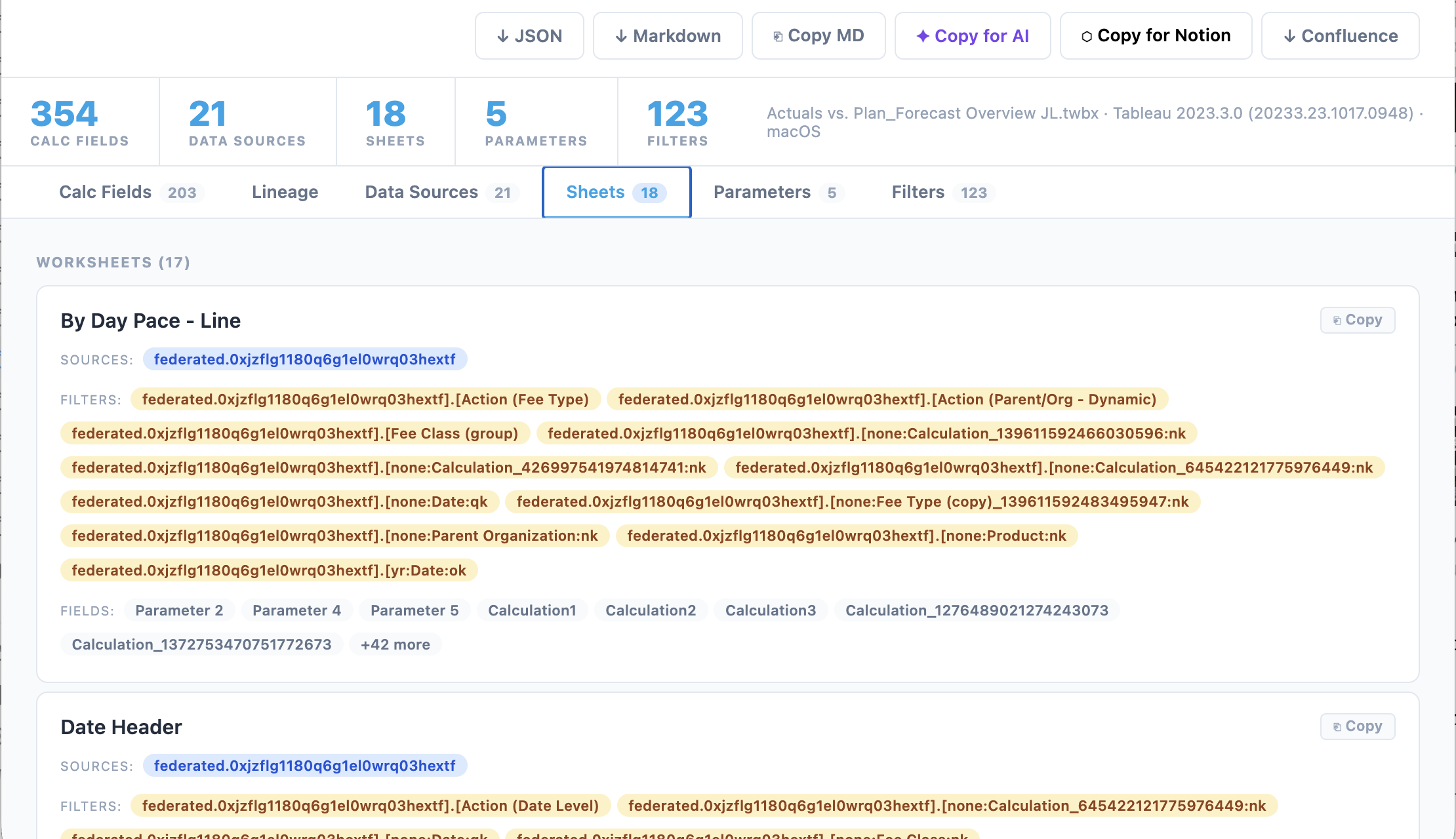
Sheets and Dashboards — see what each sheet uses at a glance
What You Get
Your workbook's logic, fully visible.
A complete browsable export of every formula and field in your workbook. No more hunting through Tableau's UI. See it all in one place.
Calculated Fields
Every formula extracted with full syntax highlighting, datatype, role, and a dependency list.
Field Lineage
Visual dependency graph showing upstream and downstream connections for every calc field.
Data Sources
Connection type, server, database, and a complete field inventory for every datasource.
Sheets and Dashboards
Which data sources, filters, and fields each sheet uses.
Parameters
Current values, allowed values or ranges, and domain types for every parameter.
AI-Ready Export
One-click copy of a structured prompt. Paste into Claude or ChatGPT.
Notion and Confluence
Export formatted docs directly to Notion or Confluence with one click.
Fully Private
Your workbook never leaves your browser. All parsing happens locally.
How It Works
01
Upload your workbook
Drop any .twb file. Your workbook never leaves your browser.
02
Browse the extracted docs
Six tabs: Calc Fields, Lineage, Data Sources, Sheets, Parameters, and Filters.
03
Export in any format
Download JSON, Markdown, or copy a structured AI prompt for Claude or ChatGPT.
Get updates on new features
We're adding bulk workbook analysis, Confluence sync, and dbt model generation. Drop your email to be first.